
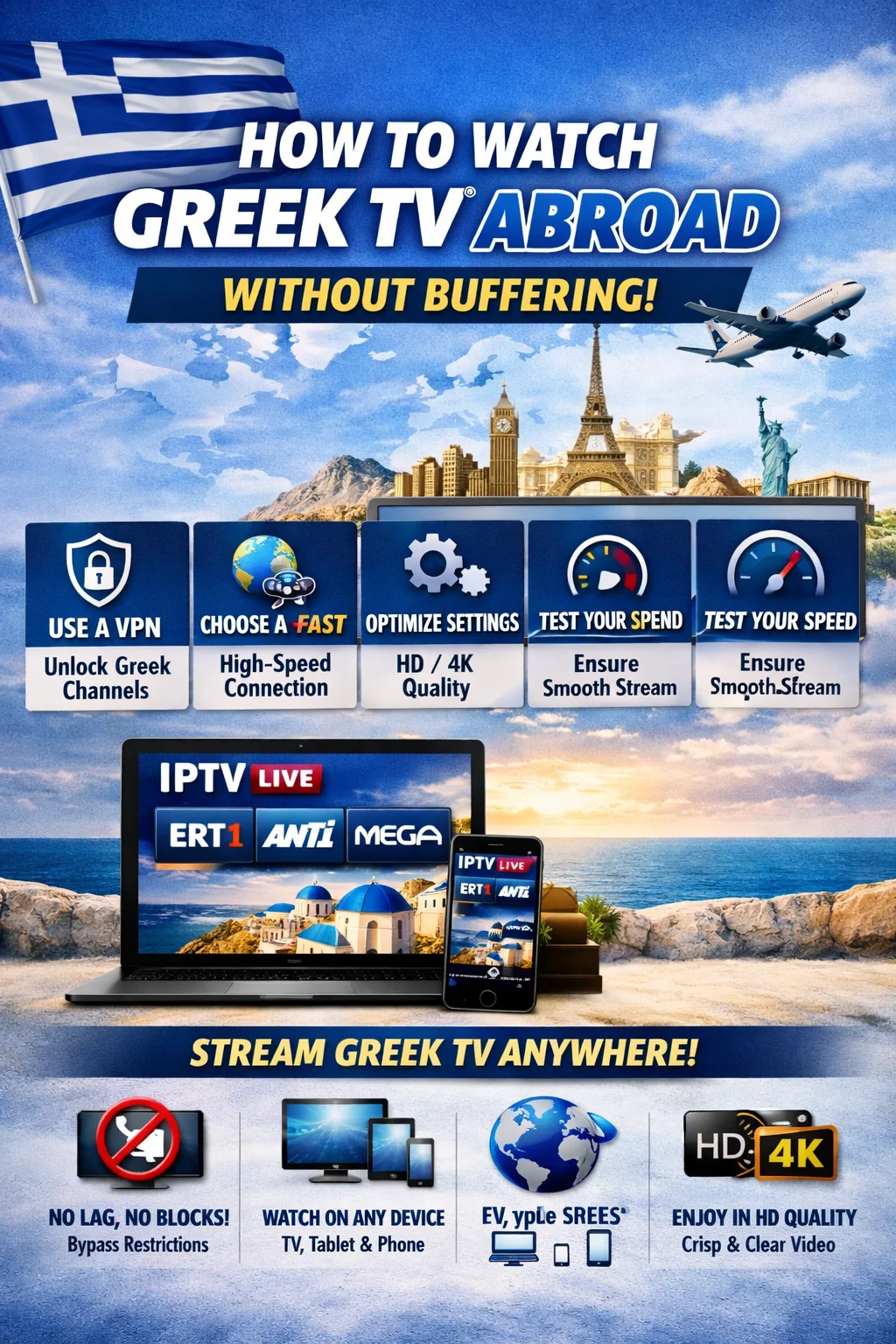
How to Watch Greek TV Abroad Without Buffering
For the Greek diaspora living in the USA, Canada, Australia, and across Europe, staying connected to home through live television is a vital link. However, attempting to stream a Premium Greek IPTV Subscription or official local platforms from thousands of miles away often results in a frustrating loop of constant buffering, pixelated feeds, and geo-restriction blocks.
Because data packets must travel across vast oceanic cables, international streaming requires strict network optimization. This guide outlines exactly how to bypass local ISP throttling, eliminate routing lag, and secure a smooth, high-definition Greek streaming connection from anywhere in the world.
1. Bypassing Geo-Blocks with a Specialized Streaming VPN
The most immediate hurdle when trying to watch Greek TV overseas is geo-blocking. Major domestic platforms (such as COSMOTE TV GO, Nova GO, and national free-to-air channels) actively block incoming connections originating from IP addresses outside of Greece.
To bypass these blocks, you must route your traffic through a Virtual Private Network (VPN) with dedicated servers physically located in Athens or Thessaloniki.
┌─────────────────────────────────────────────────────────────┐
│                 HOW A VPN UNBLOCKS GREEK TV                 │
├──────────────────────────────┬──────────────────────────────┤
│      Without a VPN           │          With a VPN          │
│ • Your IP: USA/Canada        │ • Connect to Greek Server    │
│ • Server sees foreign IP     │ • Your IP masked as Greek    │
│ • Result: ACCESS BLOCKED     │ • Result: STREAM UNLOCKED    │
└──────────────────────────────┴──────────────────────────────┘
Top Recommended VPNs for Greek TV in 2026:
NordVPN: The highest-rated service for Greece. It features ultra-fast obfuscated servers that disguise VPN traffic as standard web browsing, completely bypassing strict ISP firewalls.
Surfshark: The best budget-friendly option. It allows unlimited simultaneous device connections, making it perfect for households streaming on multiple screens.
ExpressVPN: Known for its custom “Lightway” protocol, which minimizes the speed drop typically caused by heavy data encryption.
2. Overcoming Internet Service Provider (ISP) Throttling
A common issue for international viewers is that their internet speed tests look perfect (e.g., 200+ Mbps), yet their Greek IPTV Package continues to freeze. This discrepancy is caused by ISP Throttling.
During peak viewing hours—such as high-profile Greek Super League derbies or major EuroLeague basketball games—local internet service providers in the US or Europe utilize Deep Packet Inspection (DPI) to monitor data usage. When they detect a continuous, high-bandwidth stream coming from an IPTV server, they automatically choke your connection speed down to a fraction of its actual capability.
How to defeat throttling:
Activate your VPN: By encrypting your entire data tunnel (using AES-256 standards), your ISP can no longer see what you are streaming or where the data is coming from. They only see generic, encrypted traffic, allowing your stream to run at full speed.
Switch to WireGuard: In your VPN app settings, change your protocol from OpenVPN to WireGuard. WireGuard is significantly lighter, consumes less CPU power on streaming sticks, and handles high-bitrate 1080p/4K video transfers much more efficiently.
3. Advanced DNS and Router Adjustments for Expats
If you are streaming from North America or Australia, standard DNS routing can add unnecessary routing hops to your connection, driving up your latency (ping). Improving your domain name resolution path can shave critical milliseconds off your connection time.
A. Swap to Cloudflare or Google DNS
By default, your streaming device uses the slow, unoptimized DNS servers provided by your local internet company. Switching to a public, high-speed DNS resolver improves connection lookup times.
Cloudflare DNS: Primary
1.1.1.1| Secondary1.0.0.1Google DNS: Primary
8.8.8.8| Secondary8.8.4.4
(You can easily change these values in the Network Settings of your Amazon Firestick, Apple TV, or Android TV box).
B. Allocate Bandwidth via Quality of Service (QoS)
If other family members are downloading large files, playing online games, or streaming on other devices, your local network will suffer from bandwidth congestion.
Log into your home router’s admin panel (typically by entering
192.168.1.1in a web browser).Locate the QoS (Quality of Service) settings.
Add your streaming device (Firestick/Smart TV) to the high-priority list. This instructs your router to always route IPTV data packets first, preventing buffering even when your household network is under heavy load.