Greek IPTV Installation Guide 2026
Getting your high-speed Greek IPTV Subscription is only the first half of the equation. To watch premium channels like COSMOTE TV and Nova Sports without a single frame drop, you need a flawless software setup on your device.
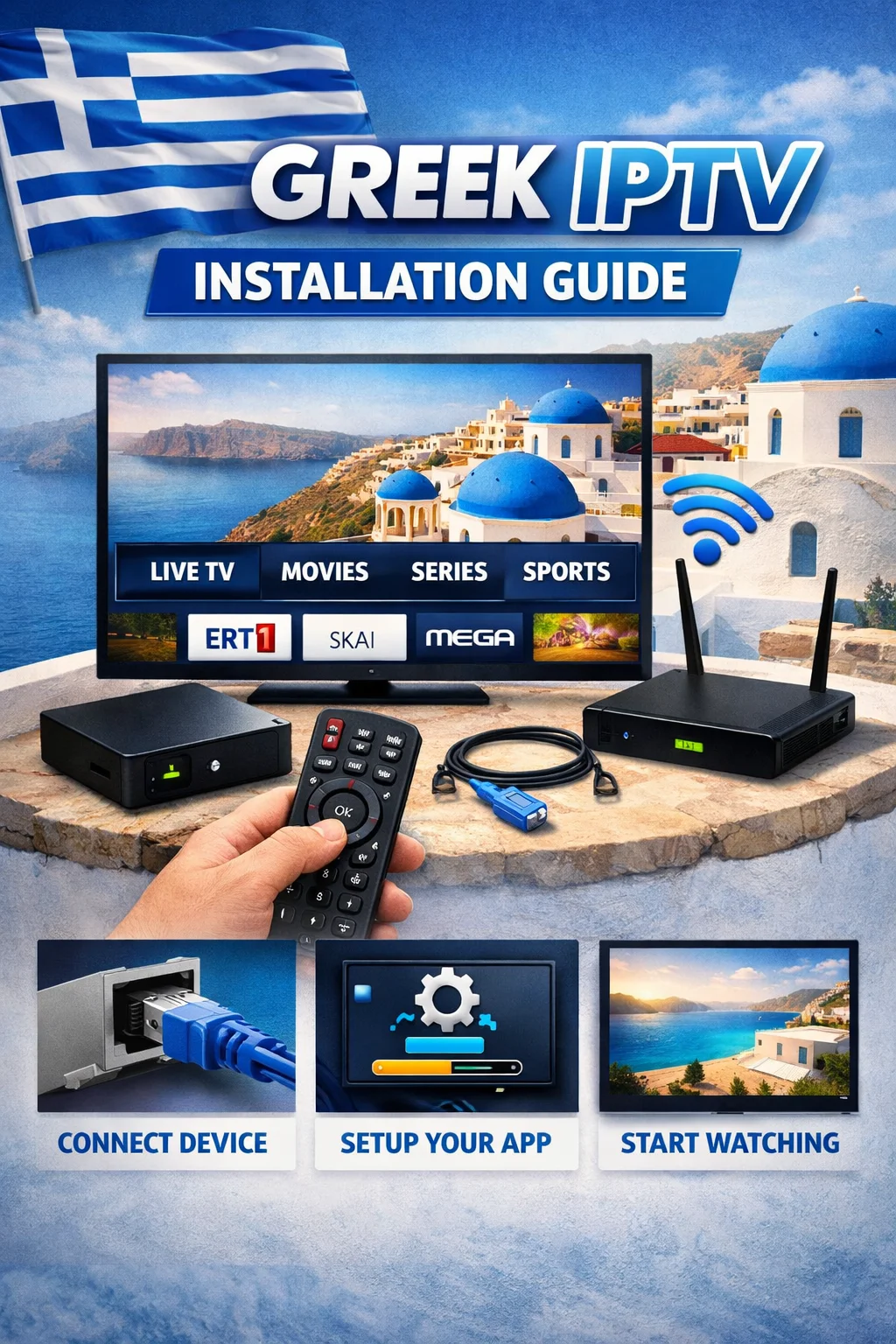
This step-by-step Greek IPTV Installation Guide walks you through configuring the best, most stable media players on the market today. Following these exact configurations prevents application crashes, ensures your Electronic Program Guide (EPG) loads instantly, and delivers seamless channel zapping.
1. Setting Up Greek IPTV on Amazon Firestick (Using TiviMate)
The Amazon Fire TV Stick is the absolute gold standard for streaming live TV. To unleash its full potential, we recommend pairing it with TiviMate Premium—the fastest, most polished IPTV player available in 2026.
Because TiviMate is not hosted natively on the Amazon Appstore, you must sideload it using the Downloader application.
2. Setting Up Greek IPTV on Smart TV (Samsung, LG, and Android TV)
If you prefer to keep things simple without purchasing an external streaming stick, you can install specialized media players directly onto your Smart TV.
However, keep in mind that the built-in operating systems of Samsung (Tizen) and LG (webOS) have lower processing power than dedicated streaming devices. To prevent system lag or interface stuttering, choosing a highly optimized application is essential.
Recommended Apps by TV Brand
For Samsung & LG TVs: Download IBO Player or IPTV Smarters Pro from your TV’s built-in App Store. Both platforms offer hardware decoding which utilizes your television’s native graphic chips to smooth out 1080p and 4K streams.
For Android/Google TVs (Sony, TCL, Philips): Navigate to the Google Play Store and download TiviMate or IPTV Smarters Pro.
How to Activate Your App via Xtream Codes
Once you download your player of choice, launch it to find your activation screen. We suggest staying away from long M3U URLs, as entering hundreds of characters via a TV remote control is highly frustrating. Instead, select the Xtream Codes API connection option. You will only need to input four straightforward fields:
Any Name: (e.g., “Greek IPTV”)
Server URL: (e.g.,
http://example.com:8080)Username: (Your customized account username)
Password: (Your secure account password)
After entering these details, click Add User or Login to automatically download your regional categories, EPG metadata, and video-on-demand libraries.
3. Optimizing Your Setup for Buffering-Free Streaming
Even the most robust global servers can experience dropouts if your home network setup isn’t fully optimized.
Use an Ethernet Connection: Whenever possible, connect your Firestick or Smart TV directly to your modem using a Cat6 Ethernet cable. Wi-Fi signals are subject to interference from thick walls, microwaves, and other household electronics, resulting in momentary packet losses.
Turn on Hardware Acceleration: In your player’s settings menu, look for Video Decoder or Playback and ensure Hardware Decoding is turned on. This shifts the heavy lifting from your device’s CPU to its graphics processor, resulting in cooler hardware temperatures and a much smoother frame rate.
Clear Cache Regularly: IPTV apps accumulate temporary cached data over time. Go into your TV or Firestick settings under Applications > Manage Installed Applications, select your player, and click Clear Cache once a month to keep the software running at peak speed.
What to Read Next
To find the absolute best applications for your exact setup or learn how to bypass geoblocks while watching outside Greece, explore our neighboring optimization guides:
The Ultimate Greek IPTV Master Pillar Page – Our primary, comprehensive guide covering server architecture, anti-blocking protocols, and channel lists.
Greek TV Streaming Service Apps – A breakdown comparing the user interfaces, EPG layouts, and recording features of the top streaming apps.
How to Watch Greek TV Abroad Without Buffering – Tips on configuring DNS settings, managing ISP throttling, and utilizing VPNs to bypass international streaming restrictions.